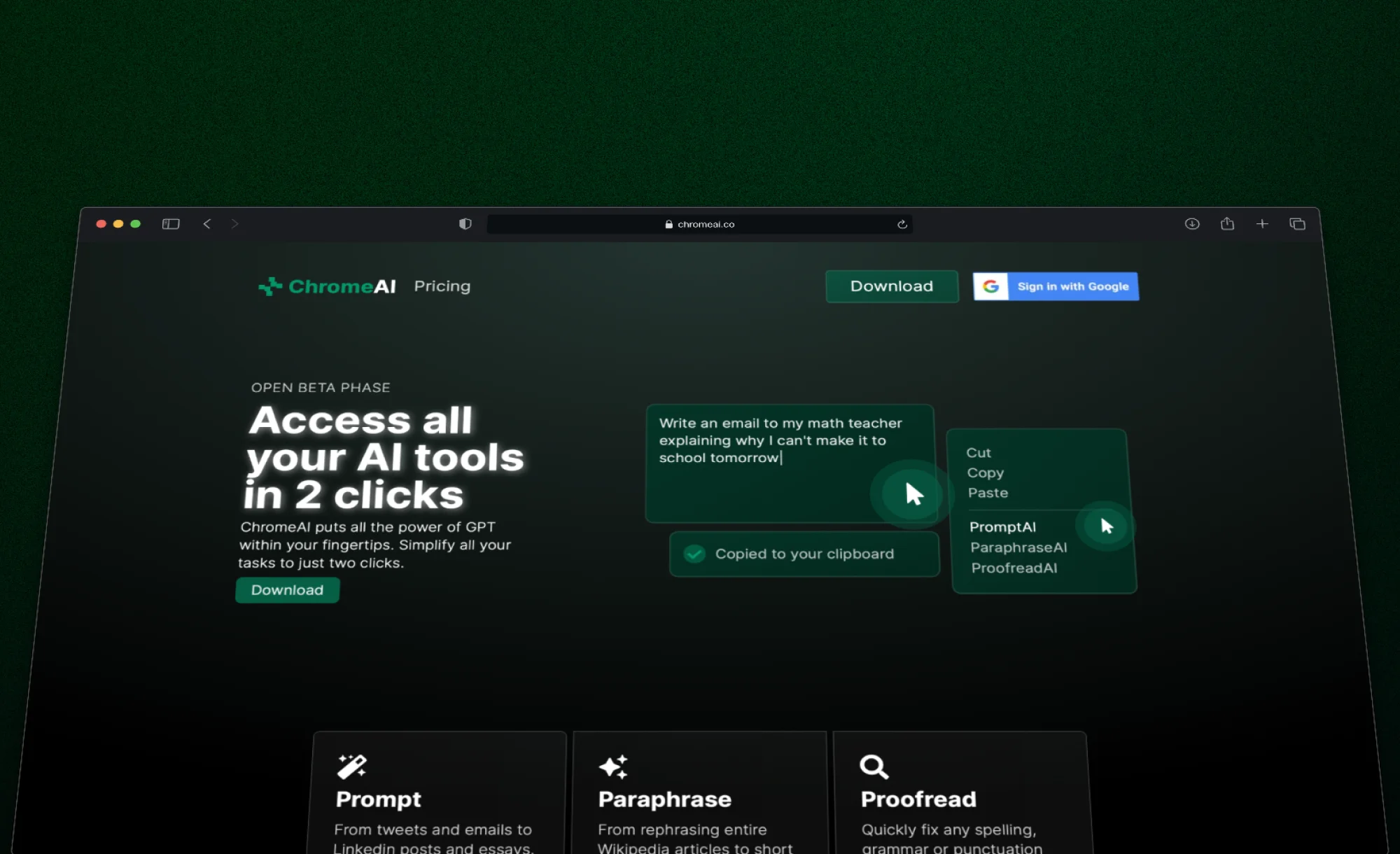
In early 2023, when ChatGPT was just starting to gain traction, there was still no easy way to use AI across all of your web browsing. I spent a spring break building ChromeAI, a Chrome extension that let you select any text on any page, right-click, and run AI on it: writing, paraphrasing, proofreading, answering questions. The goal was to make it feel native to the browser, built entirely around the select-and-right-click interaction so you never had to leave the page you were on.
Architecture
The project is a Yarn monorepo with three packages: a Manifest V3 Chrome extension, a Fastify API, and a Next.js marketing site. The extension handles the UX (context menus, popup, in-page toasts, clipboard), the API handles auth, subscriptions, and inference, and the marketing site handles onboarding and payments.
The core interaction is simple: select text, right-click, pick an action. The extension sends the selected text and action type to the API, which builds a system prompt, runs it through GPT-3.5 Turbo, and returns the result. The extension copies the output to your clipboard and shows a toast. Google OAuth for accounts, Stripe for subscriptions, and the subscription status is encoded directly in the JWT so both the extension and API can gate features on it without extra lookups.
This was more of a learning project than anything else. I spent a lot of time exploring the Chrome Extension API (especially the MV3 constraints around service workers and clipboard access), and also studying payment flows with Stripe's checkout sessions and webhook lifecycle.